QAT
Quote Analysis Tool
Quotes that protect your margin.
Build, check, and approve job quotes from materials, machines, and labour — on the shop floor, without the spreadsheet scramble.
Build, check, and approve job quotes from materials, machines, and labour — on the shop floor, without the spreadsheet scramble.
Rates drift. Approvals get lost in email. Nobody's looking at the same numbers when a job gets priced.
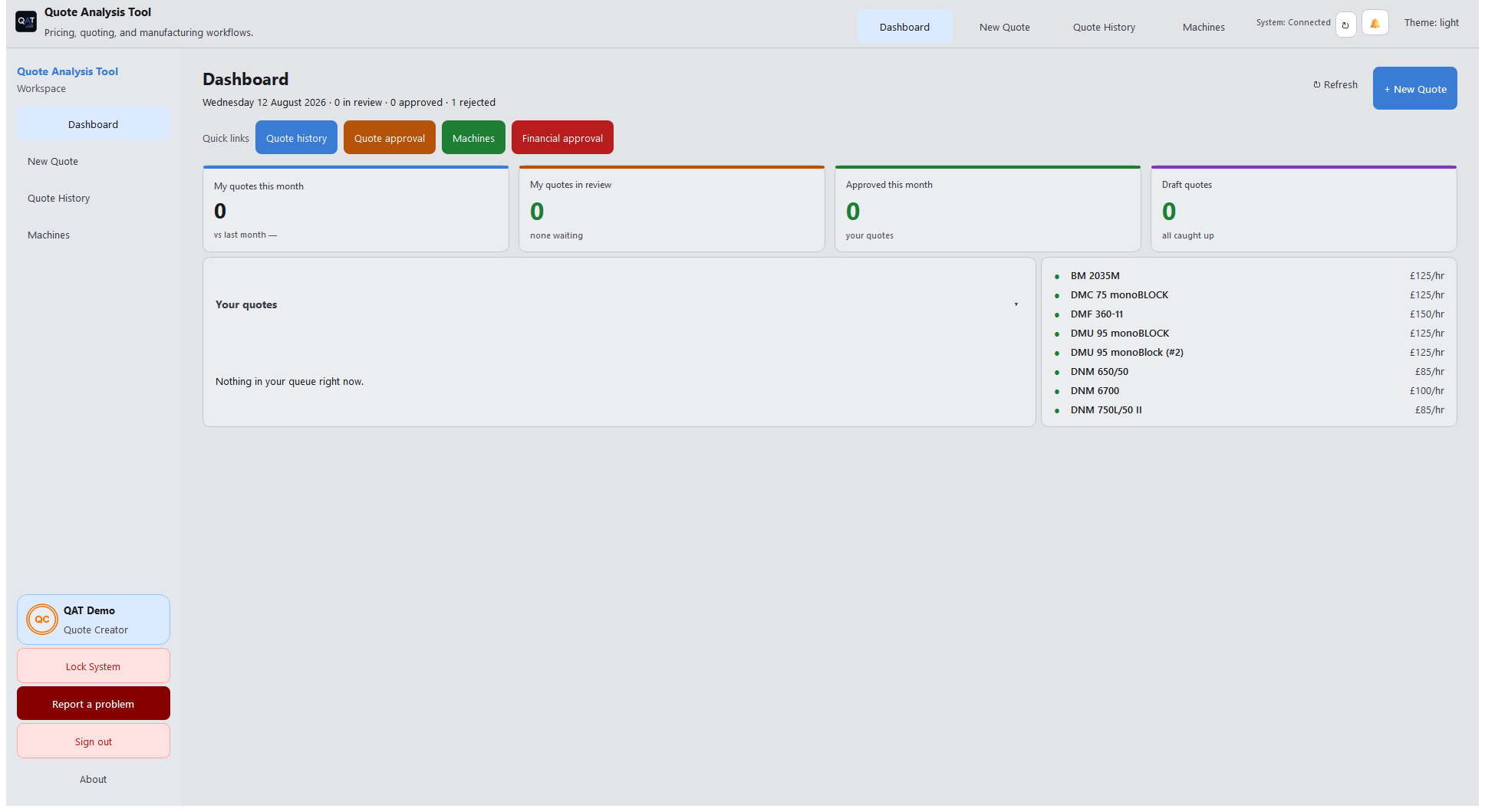
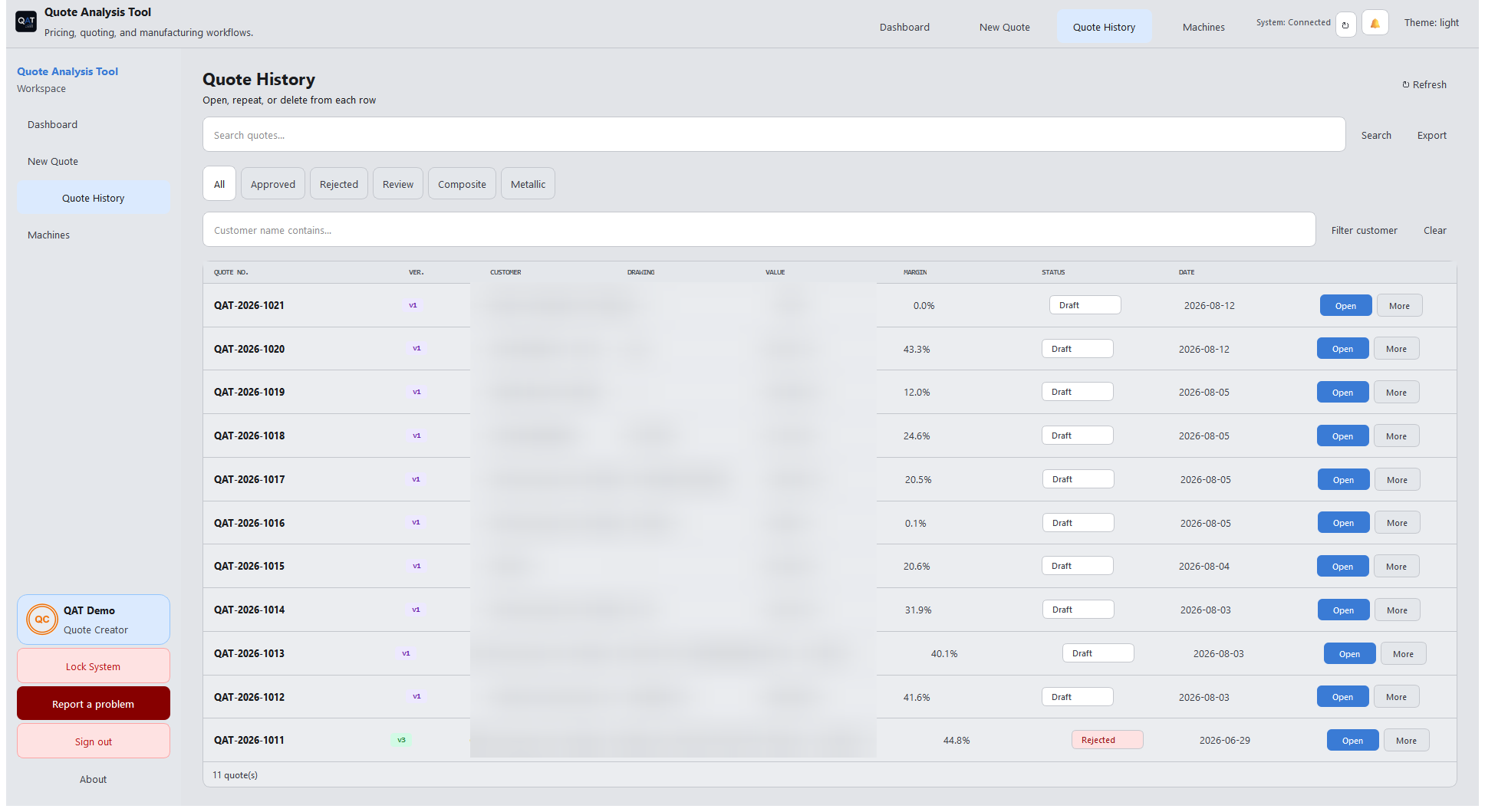
One shared system for creators, finance, and the MD. See all screens →
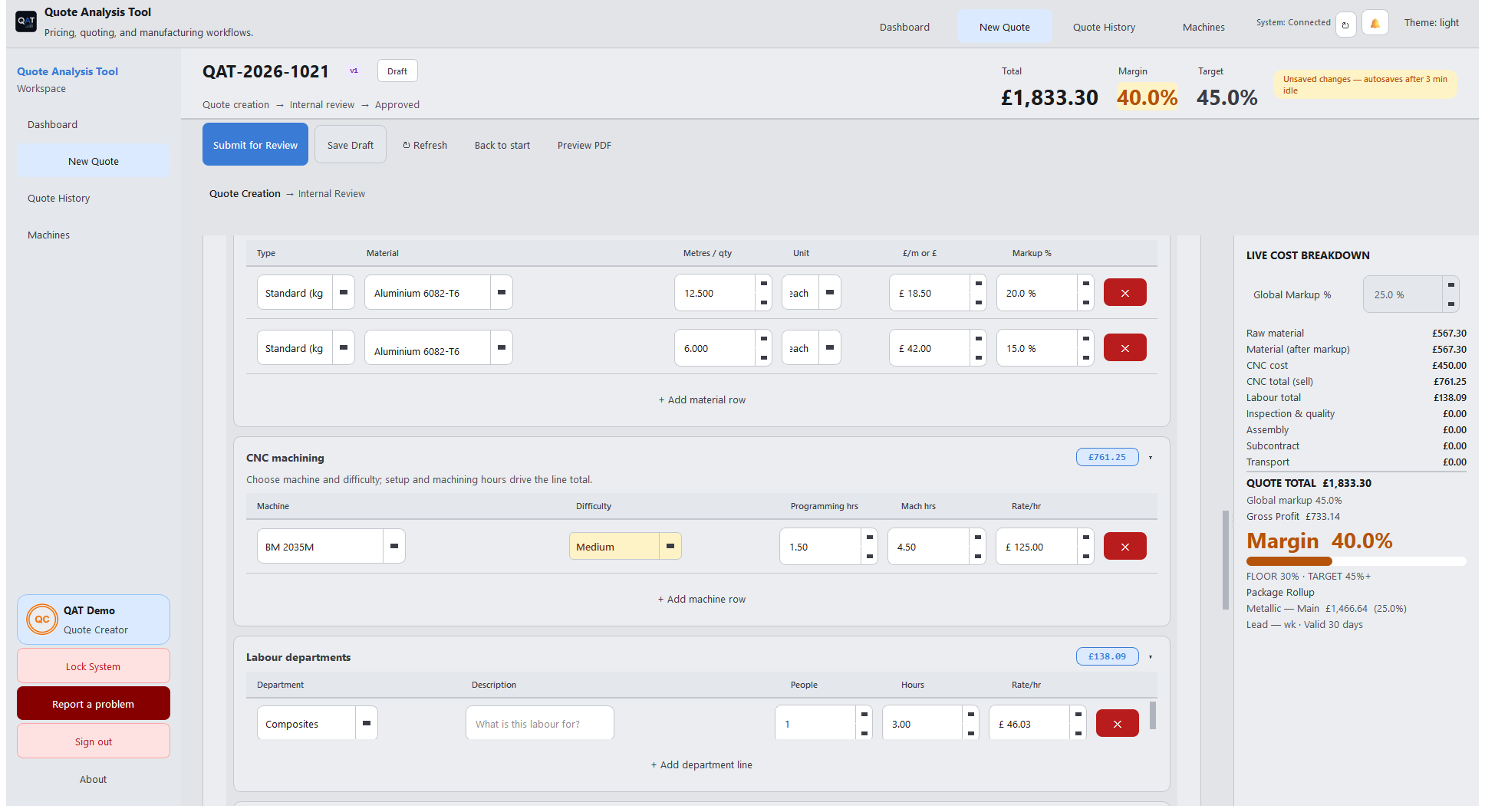
Parts, materials, machines — live totals as you build.
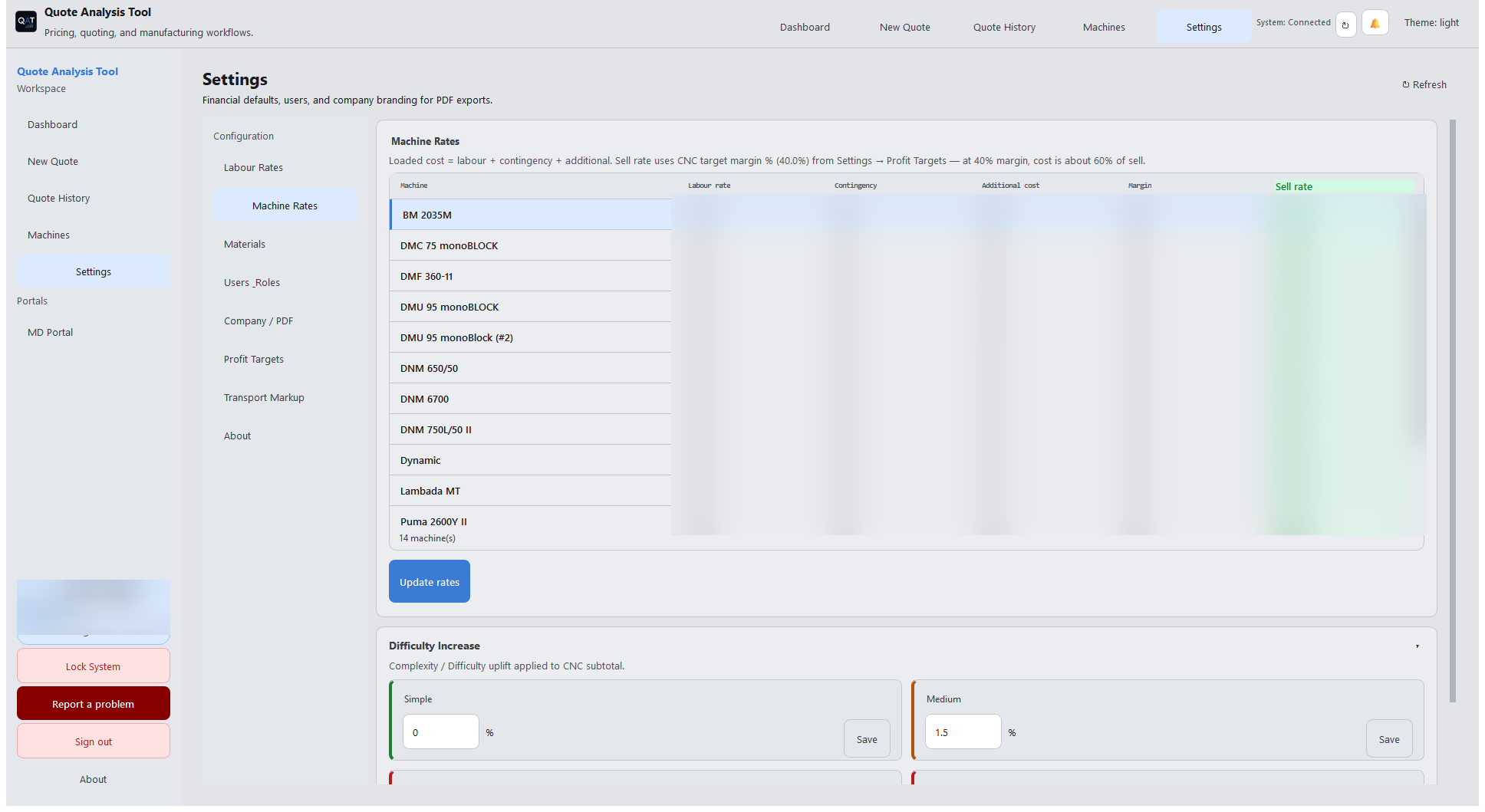
FC owns rates and contingency. Money changes wait for MD/Dev.
Vault ≠ Financial Approval ≠ Approve quote on the job.
Add parts, pick materials and machines, and watch the total update as you go — no formulas to break.
FC checks labour and machine rates so the shop does not overcharge — and can review quote aftermath and add contingency. When they change money settings, those wait for MD (or Developer) approval before they go live.
Quote Approval (Vault) is where the MD reviews quotes in the vault queue (with Atlas analysis). Releasing a quote to the customer is a separate Approve quote action on the quote itself.
Financial Approval is only for money-setting changes FC submitted — labour rates, machine rates, contingency, markups, and similar. If FC set labour to £100/hr by mistake, the MD can reject it.
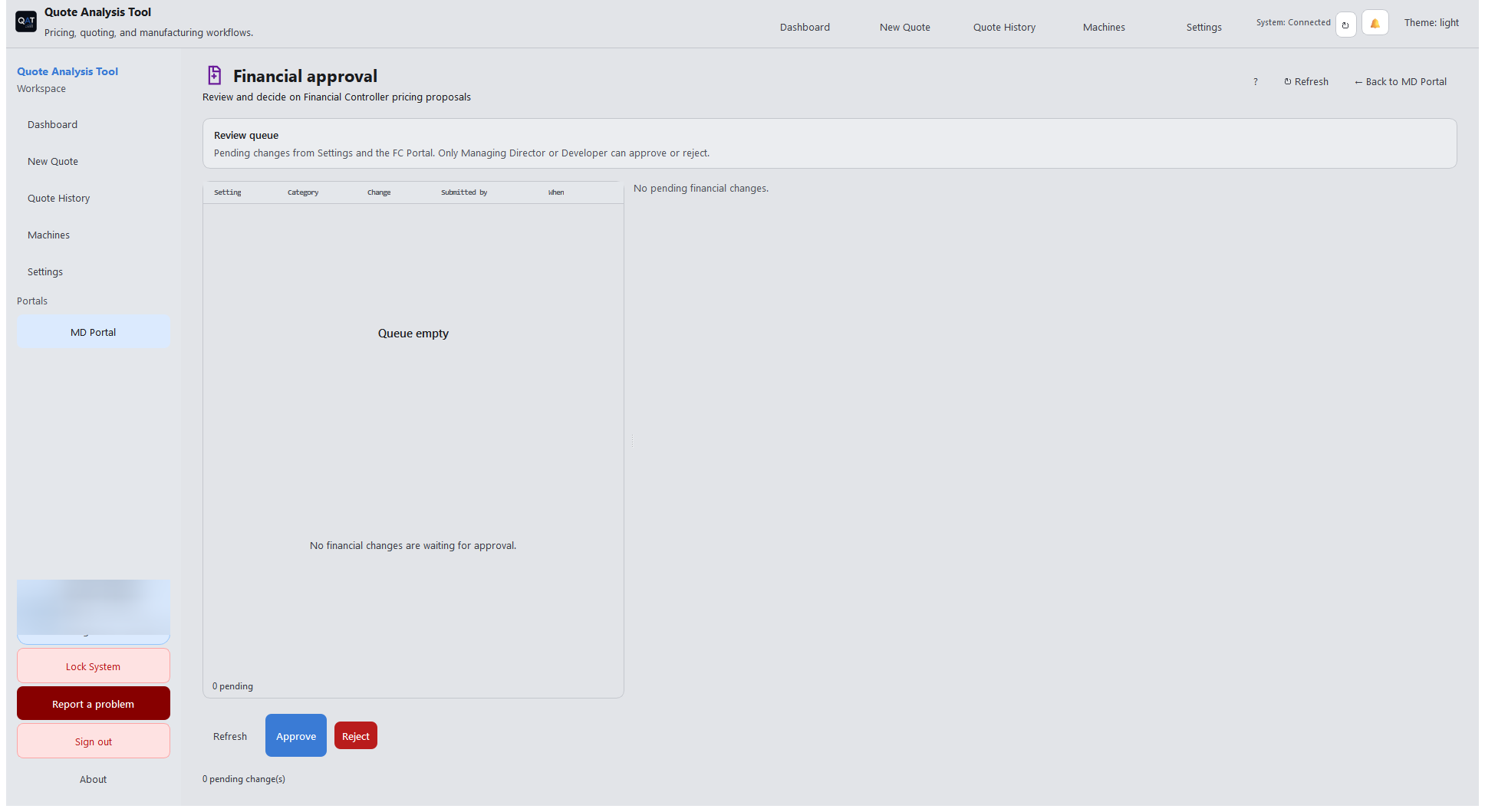
Runs on your PostgreSQL server and Windows clients — no cloud tenancy to manage.
Rates, machines, users, and roles — configured once, used by every quote after. FC money changes wait for Financial Approval.
Build the quote, use business approve when ready for the customer, and export the PDF. Rate changes stay on a separate lane.
Permissions and portals keep quoting fast and oversight clear.
Builds quotes from parts, materials, and machine time. Sees live totals from the shared rates catalogue.
Owns day-to-day finance: labour rates, machine rates, contingency, and quote financial aftermath. Proposed money changes wait in Financial Approval for the MD (or Developer) to accept or deny.
Vault review, business approve on quotes, and Financial Approval of FC rate/setting changes — plus oversight of the shop pipeline.
Manages users, roles, access, and lock-screen policy for the site.
QAT runs on your own PostgreSQL server, licensed per site. Roles, lock screens, and audit-friendly logs keep operations tidy without adding red tape.
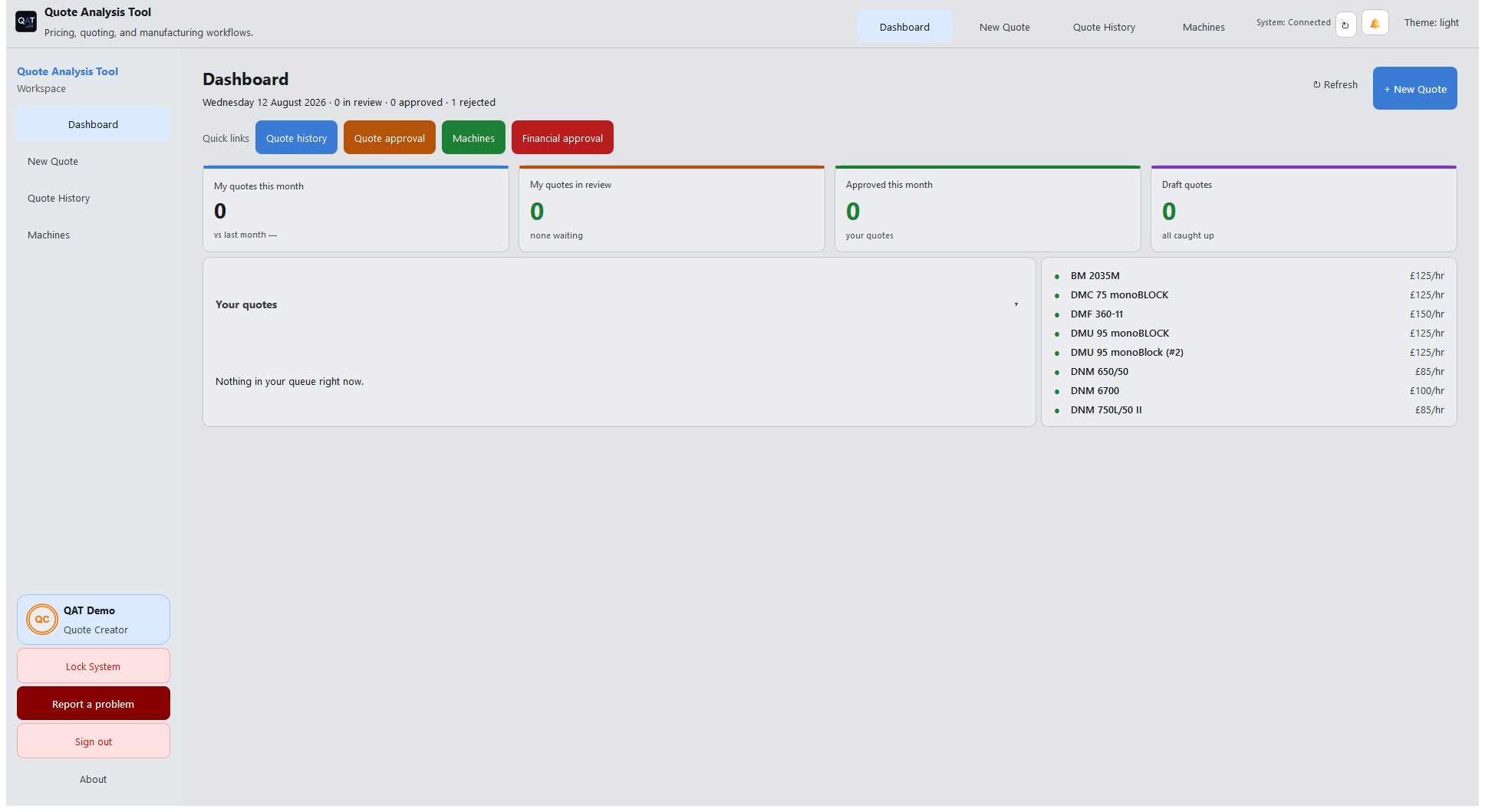
Talk to us about deploying QAT on your site — or request support if you already run it.