01
Sign in on a shop PC
Windows clients connect to your PostgreSQL server. Each user signs in with their own account and role.
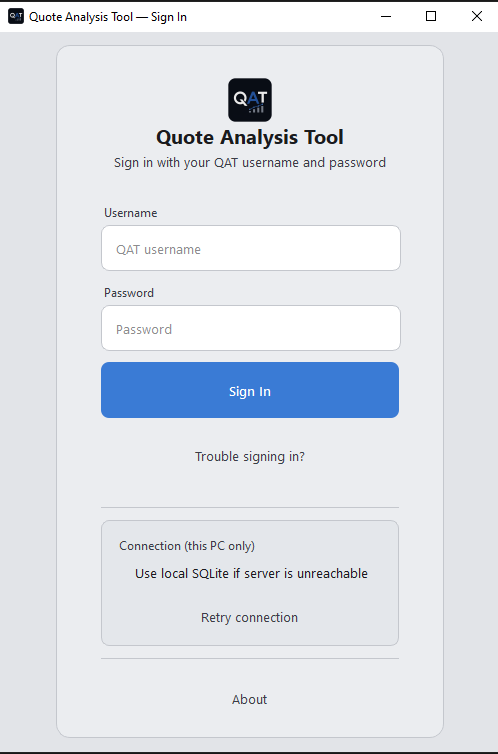
Sign in
02
Set your numbers
Labour rates, machine rates, materials, users, and roles. The Financial Controller keeps rates honest; proposed money changes wait for MD (or Developer) Financial Approval before they go live.
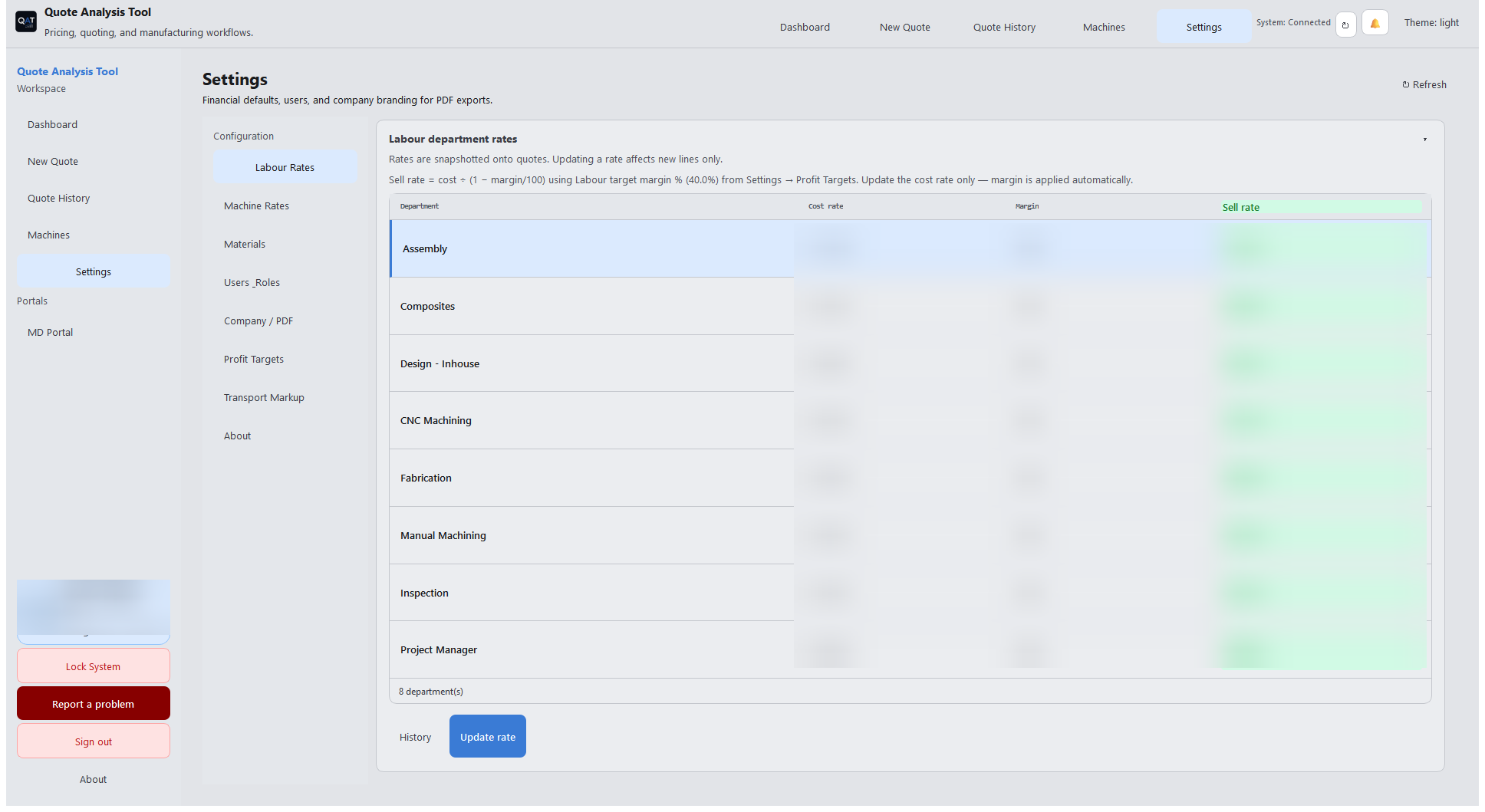
Labour Rates
03
Quote, approve, export
Build the job on New Quote. Business release uses Approve quote on the quote. The Vault is for MD vault review; Financial Approval is only for FC rate and money-setting changes — not a step every quote must pass.
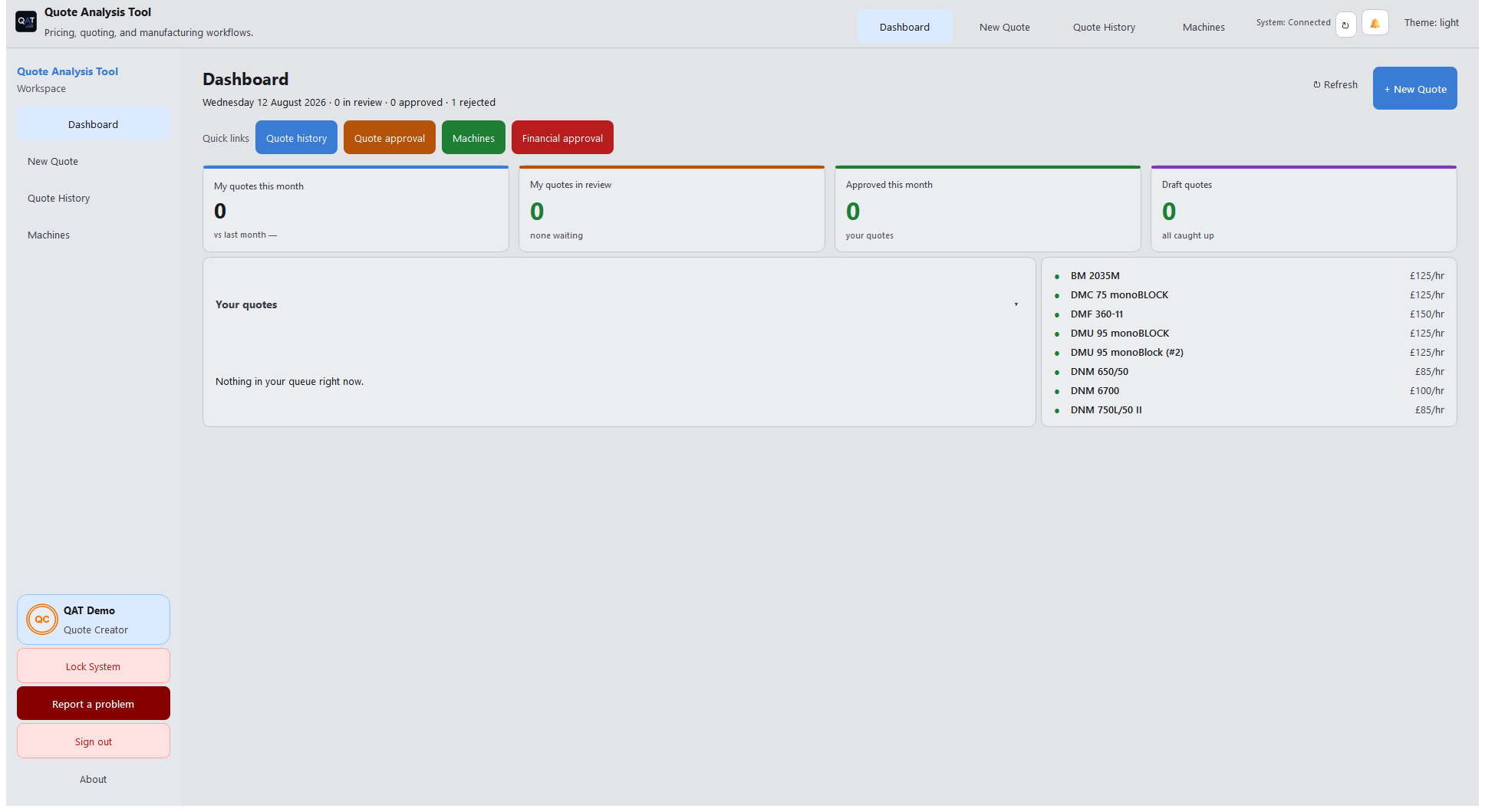
Dashboard — pipeline at a glance